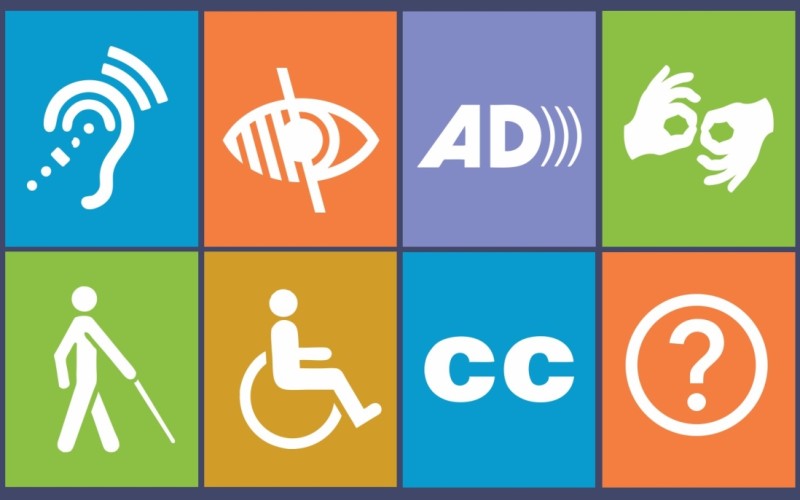
Understanding Web Accessibility: What It Means and Why It Matters
Web accessibility refers to the practice of designing websites and applications so that they can be accessed and used by everyone, including individuals with disabilities. This means taking into consideration various visual, auditory, motor, and cognitive impairments that users may have. Ensuring that your website is accessible involves implementing features such as alt text for images, keyboard navigation, and readable fonts. By making these adjustments, you not only comply with legal standards but also broaden your audience, allowing more people to engage with your content.
The importance of web accessibility stretches far beyond meeting regulatory requirements. It fosters an inclusive digital environment where everyone feels respected and valued. Moreover, making your website accessible can enhance the overall user experience, thereby improving your SEO efforts. Search engines favor websites that are user-friendly and accessible, which can lead to better rankings and increased traffic. In today’s digital landscape, neglecting accessibility is not just an oversight; it's a missed opportunity for connection and growth.
Top 10 Accessibility Features to Implement on Your Website
Ensuring your website is accessible is crucial for reaching a wider audience and improving user experience. Below are the Top 10 Accessibility Features to implement:
- Text Alternatives: Provide alternative text for images, videos, and other non-text content to ensure that users with visual impairments can understand the information your website conveys.
- Keyboard Navigation: Ensure that users can navigate through your website using only the keyboard, which is essential for those who cannot use a mouse.
- Clear Typography: Use legible fonts and ensure sufficient contrast between text and background for readability. This helps users with visual impairments to read your content easily.
- Semantic HTML: Utilize semantic HTML elements appropriately to give context and meaning to your content, assisting screen readers in delivering the right information to users.
Continuing with the Top 10 Accessibility Features, consider the following:
- Accessible Forms: Ensure that form fields are properly labeled and provide clear instructions so users can fill them out accurately.
- Skip Navigation: Implement 'skip to content' links, allowing users to bypass repetitive navigation links and access main content directly.
- Responsive Design: A responsive layout adapts to various screen sizes, ensuring that your content remains accessible on all devices.
- Audio and Video Controls: Provide players that allow users to control audio and video playback, including captions and transcripts for multimedia content.
- Consistent Navigation: Maintain a consistent navigational structure throughout your site, making it easier for users to find information.
Is Your Website Inclusive? Key Questions to Evaluate Its Accessibility
In today's digital landscape, inclusivity is no longer optional; it is a necessity. To determine whether your website is truly inclusive, consider the following key questions: Is your content accessible to users with disabilities? This includes evaluating the usability of screen readers, alternative text for images, and ensuring that all functionalities can be navigated via keyboard. Additionally, have you implemented proper color contrast to aid those with visual impairments? By addressing these aspects, you can create a more welcoming environment for all users.
Another important factor is the overall user experience. Ask yourself: Does your website support multiple languages and cultural contexts? Inclusivity extends beyond physical accessibility to accommodating different cultures and communication styles. Furthermore, how user-friendly is your navigation for individuals with varying levels of tech proficiency? Incorporating features like clear headings, intuitive layouts, and comprehensive FAQs can significantly enhance accessibility. Regular evaluations and user feedback are essential in ensuring that your website meets the diverse needs of its audience.