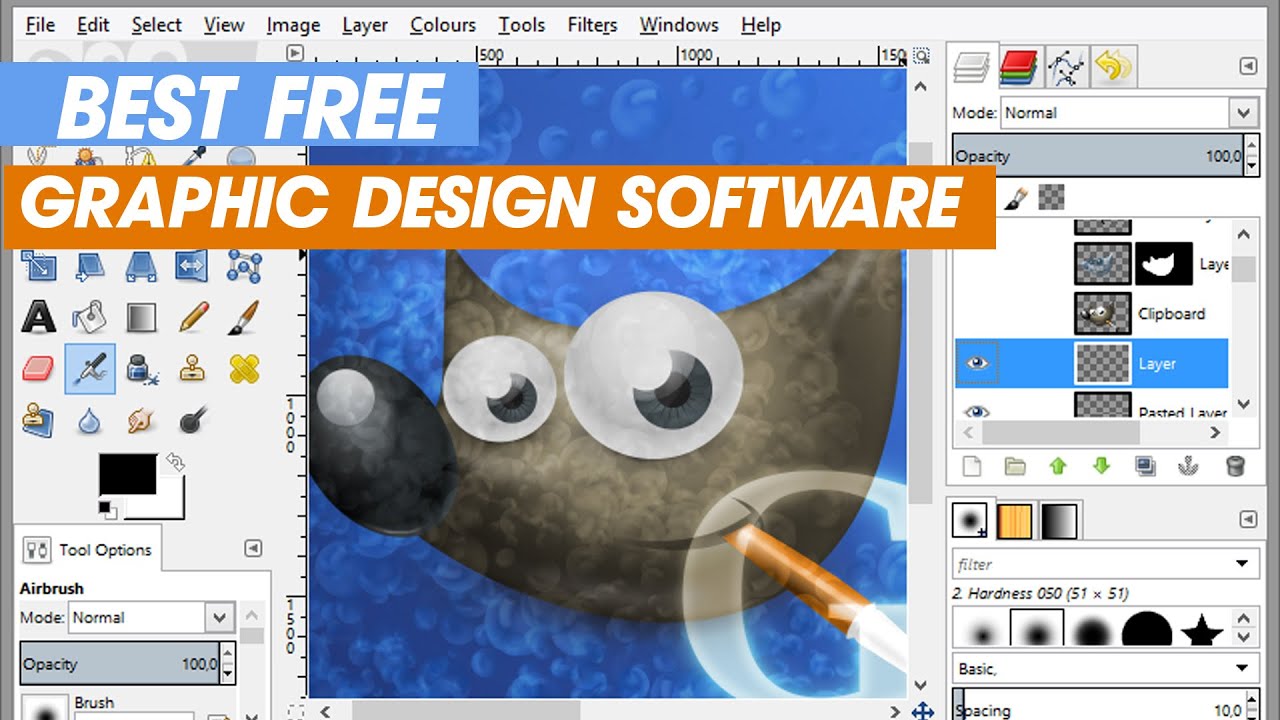
Top 5 Design Software Tools to Supercharge Your Projects
In today's fast-paced digital landscape, leveraging the right design software tools can significantly enhance your projects. Here are the Top 5 Design Software Tools that can supercharge your workflow, boost creativity, and streamline collaboration among your team:
- Adobe Creative Cloud: A go-to for designers, this suite includes industry-leading applications like Photoshop, Illustrator, and InDesign. Its extensive features and cloud capabilities allow for seamless integration and real-time collaboration.
- Sketch: Perfect for UI/UX designers, Sketch simplifies the design process with its vector-based editor and is particularly favored for web and mobile interface design.
- Figma: Known for its collaborative features, Figma allows multiple users to work on a design simultaneously, making it ideal for team projects.
- Canva: A user-friendly tool, Canva is perfect for creating graphics quickly. With its drag-and-drop interface and vast library of templates, it's a great choice for non-designers.
- CorelDRAW: This versatile graphic design software is known for its powerful vector illustration tools, making it a favorite among print designers.
How to Choose the Right Design Software for Your Team
Choosing the right design software for your team is crucial for enhancing productivity and ensuring cohesive collaboration. Start by identifying the specific needs of your team members. Consider factors such as the type of projects you undertake, the skills of your designers, and the necessary output formats. Conduct a survey or hold a meeting to gather input from your team, as their preferences will play a significant role in selecting the most suitable software. Additionally, evaluate whether the software supports seamless collaboration through features like cloud storage and real-time editing.
Once you have outlined your team's requirements, create a comparison list of potential tools. Consider the following criteria:
- Usability: Ensure the software is user-friendly and meets the skill level of your team.
- Features: Look for essential features such as vector graphics, templates, and integration with other tools.
- Pricing: Assess whether the software fits within your budget while offering the necessary capabilities.
- Customer Support: A reliable support system can help resolve issues swiftly.
By carefully analyzing these aspects, you can make an informed decision that will empower your team to produce their best work effectively.
What Features to Look for in Effective Design Software?
When searching for the effective design software, it's crucial to consider user interface and usability. A software that boasts an intuitive UI will allow designers to navigate through tools and features effortlessly, minimizing the learning curve. Additionally, look for customizable workspace options; the ability to tailor the interface to fit your specific workflow can greatly enhance productivity. Another essential feature is compatibility with various file formats, ensuring that you can easily import and export your designs without any hassle.
Moreover, effective design software should provide robust collaboration tools. In today's interconnected world, the ability to share work easily with teammates and clients is paramount. Look for features like real-time collaboration, commenting, and version control, which can streamline communication and feedback processes. Lastly, ensure that the software comes with comprehensive support and a rich library of resources, including tutorials and templates, to help you familiarize yourself with its features and unlock its full potential.